AI VIDEO EXTENDER / AI VIDEO CONTINUATION

AI Video Continuation – Generate What Happens Next

AI Video Continuation turns the ending of an existing clip into the starting point for new footage: keep the visual context that already works, describe the next moment, and the AI generates additional frames that finish an action, extend a cinematic shot, or carry the scene forward — unlike looping or slowing, it creates new visual material based on what happened before.

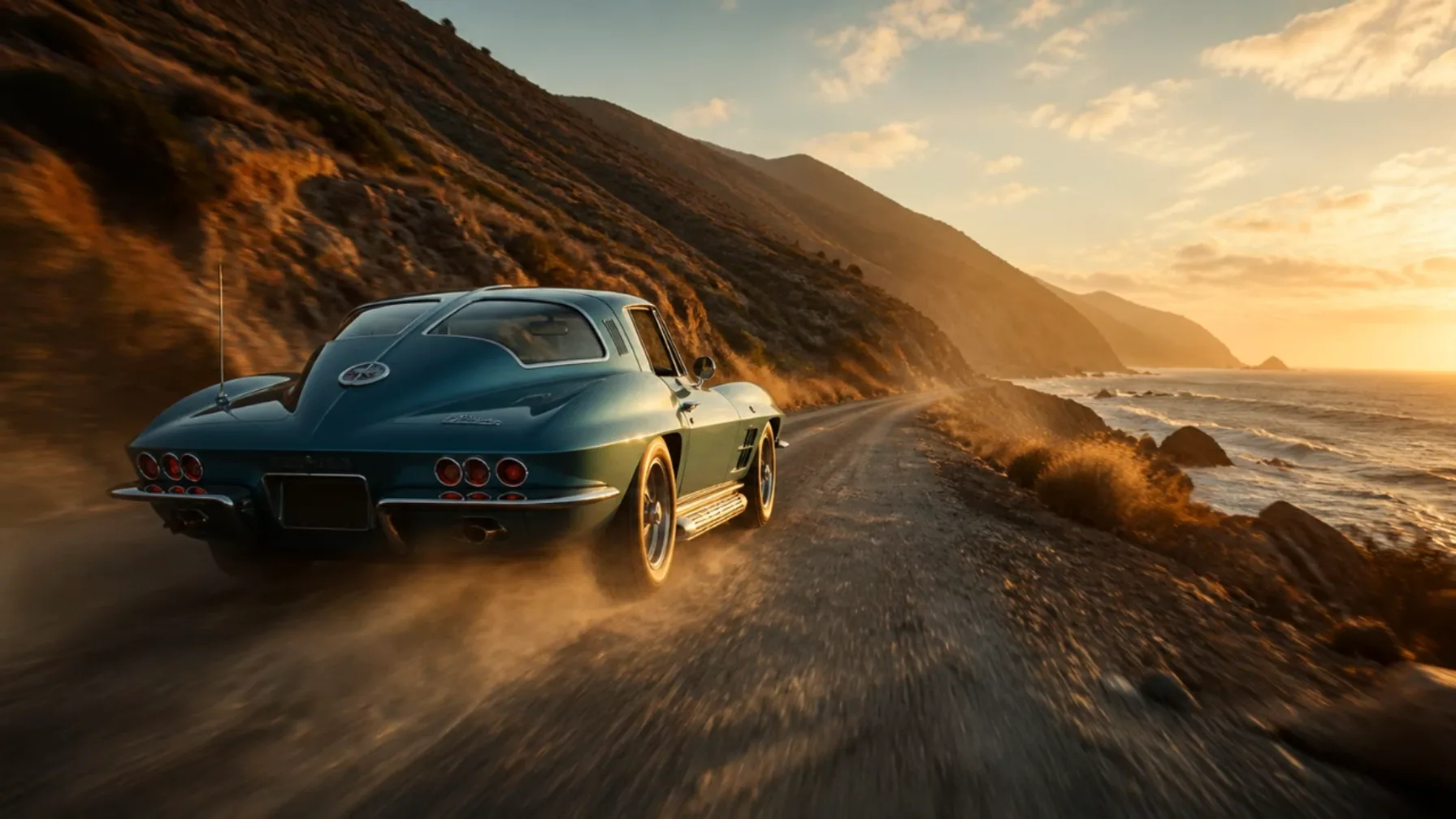
AI Video Continuation turning the ending of a driving scene into the starting point for new footage
The ending of a source clip becomes the starting point for new footage.

What AI Video Continuation Actually Solves

A short clip often ends for a technical reason rather than a creative one.

An AI-generated scene may stop before the action finishes. A camera movement may end immediately before a reveal. A character might begin interacting with an object but never complete the movement. A product shot may look excellent but leave too little time for a clean ending.

AI Video Continuation is useful for these unfinished moments.

Rather than trying to recreate the entire scene, you can preserve the footage you already like and focus generation on what is missing.

AI Video Continuation solving unfinished moments in an existing landscape scene
Preserve what already works and generate only what is missing.

This can be particularly useful when the source already contains the character appearance, environment, composition, lighting, and visual atmosphere you want to keep.

Common reasons to use AI Video Continuation include:

  • Finishing incomplete character actions
  • Extending establishing shots
  • Continuing cinematic camera movement
  • Adding another visual story beat
  • Creating alternate endings
  • Generating extra B-roll
  • Adding more time before a transition
  • Developing short AI clips into longer sequences

The creative question changes from “How can I generate this scene again?” to “What should happen next?”

How AI Understands the Next Part of a Video

A convincing continuation depends on context.

The final section of a video contains information about where the next frames should go. A subject may be moving toward the right side of the frame. The camera may be slowly pushing forward. Light may be coming through a window. A vehicle may already be accelerating.

These details create continuity anchors for AI Video Continuation.

Subject Identity

The person, animal, product, vehicle, or object should remain recognizable as the scene develops.

Motion Direction

Existing momentum gives the continuation a natural path. If a character is already running forward, continuing that movement is usually more coherent than introducing an unrelated action immediately.

Camera Logic

A tracking shot, orbit, pan, dolly, handheld movement, or locked composition establishes expectations for the next few seconds.

Spatial Relationships

Background objects, distance, depth, and subject position help define the structure of the scene.

Lighting and Atmosphere

Time of day, reflections, haze, weather, shadows, and color temperature influence whether the generated frames feel connected.

Thinking about these visual anchors can make AI Video Continuation more predictable and intentional.

Continue an Existing Video Instead of Rebuilding It

Generating a completely new video may produce a different face, background, object, costume, or camera interpretation even when the prompt is similar.

AI Video Continuation offers another workflow: protect the part that already works and generate only what comes next.

AI Video Continuation protecting the existing shot while generating only what happens next
The existing approach shot remains while the generated footage develops the next beat.

Imagine a cyclist approaching a bridge during sunset. The first clip has exactly the lighting and composition you want, but it ends just before the cyclist reaches the bridge.

Recreating the entire scene might produce a different bridge or cyclist.

With AI Video Continuation, the existing approach shot can remain while the generated footage focuses on the cyclist entering the bridge and the camera following behind.

The same approach works for product videos, fantasy environments, architecture, character scenes, travel-style footage, and visual concepts.

Write Prompts as the Next Beat

A good AI Video Continuation prompt usually begins where the source clip ends.

There is no need to rewrite every visual detail already visible. Instead, focus on the next action, camera behavior, and any element that must remain stable.

AI Video Continuation prompt beginning where the source character scene ends
Start the prompt where the source clip ends.
Cinematic continuationThe astronaut reaches the ridge, pauses, and looks toward the distant lights while the camera slowly rises behind them.
Product continuationThe glass bottle completes another rotation as the camera moves closer, preserving the dark studio background and soft reflections.

Both prompts describe progression.

Useful continuation verbs include:

continues, approaches, turns, reaches, follows, opens, passes, reveals, rises, pulls back, moves forward, enters, slows, stops, and looks toward

Action-focused language gives AI Video Continuation a clearer temporal direction.

Temporal Continuity Matters More Than a Single Frame

Video continuity is not only visual. It happens over time.

A strong AI Video Continuation result should account for movement that has already started.

If a character is halfway through sitting down, the continuation should understand that the action is in progress. If a camera is accelerating toward a building, the next segment needs to account for its direction and speed. If rain has been falling throughout the scene, the environment should not suddenly become dry without a reason.

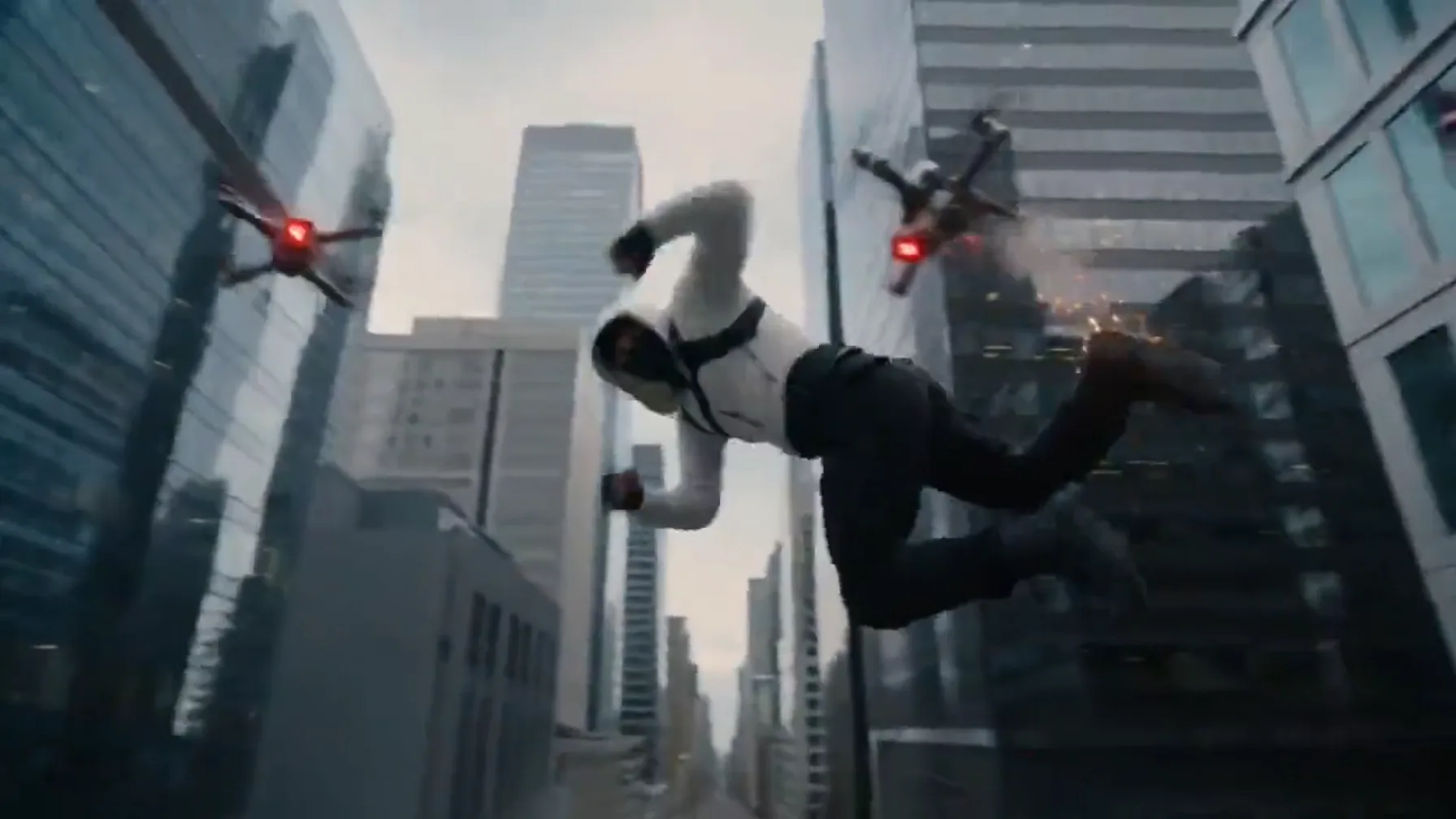
Source clip ending frame of a runner in a market alley
Source clip endingReadable motion and a clear subject create the handoff.
AI-generated continuation frames of the same runner in the market alley
AI continuationNew frames continue the movement already in progress.

This is why the final seconds of the original clip matter.

They create a visual handoff between existing footage and newly generated footage.

When possible, choose an extension point where movement is readable and the important subject is still identifiable.

Build Longer AI Videos One Beat at a Time

AI Video Continuation can also be used as a sequencing method.

Instead of trying to generate a complicated 30-second scene in one attempt, divide the idea into smaller events.

AI Video Continuation building a longer sequence one visual beat at a time
Each continuation has one clear objective.

A sequence might develop like this:

01

Beat 1

A character approaches an abandoned greenhouse.

02

Beat 2

The door opens and the camera follows the character inside.

03

Beat 3

Plants begin glowing while the camera reveals the interior.

04

Beat 4

The character reaches a central table and discovers an unusual object.

Each continuation has one clear objective.

This staged AI Video Continuation workflow makes it easier to review the story as it develops. If one section does not work, you can refine that beat without discarding everything created before it.

For narrative projects, continuation becomes more than a video lengthening feature. It becomes a way to construct scenes progressively.

Use AI Video Continuation in an Editing Workflow

Generated footage does not have to be used exactly as it appears.

Editors can treat AI Video Continuation as another source of material.

An extension might provide:

  • Extra frames before a transition
  • More time for narration
  • A cleaner endpoint for music
  • An additional reaction shot
  • A longer visual reveal
  • More space for titles
  • Alternate pacing options
  • A bridge between two scenes

After generating the continuation, creators can trim the footage, adjust timing, add sound design, combine multiple segments, or choose only the strongest section.

This makes AI Video Continuation useful even when the final project is assembled in a traditional video editor.

Create Different Outcomes from the Same Video

The end of a clip does not have to lead to only one result.

One useful application of AI Video Continuation is generating several possible next moments from the same source.

Imagine a character standing in front of a closed door.

Open the door

One continuation could show the character opening it.

Someone arrives

Another could introduce someone arriving from behind.

Reveal what follows

A third could have the camera move past the character and reveal what is on the other side.

All three versions begin from the same footage but develop different possibilities.

This makes AI Video Continuation useful for creative exploration, concept development, previsualization, and alternate storytelling.

AI Video Continuation for Product Videos

Product footage often benefits from precise pacing.

A rotating object may need another few seconds before the logo becomes visible. A camera slide may stop before reaching the strongest angle. A demonstration may finish before there is enough room for a call to action.

AI Video Continuation extending a product rotation in a studio shot
Continue the rotation, extend the reveal, and preserve the studio look.

AI Video Continuation can generate additional movement while preserving the visual foundation of the original shot.

Useful continuation ideas include completing a rotation, extending a macro shot, moving from a wide composition into a detail, revealing packaging, or allowing environmental elements to continue moving around the product.

AI Video Continuation for Cinematic Scenes

Cinematic footage often depends on timing.

A slow push through fog, a character entering a large environment, or a vehicle crossing a landscape may need time to develop.

AI Video Continuation extending a cinematic moment while preserving atmosphere
Extend the moment without turning it into a repeated loop.

With AI Video Continuation, creators can extend these moments without automatically turning them into repeated loops.

The continuation can focus on camera movement, environmental progression, subject action, or a new visual reveal.

For cinematic results, restraint is often useful. One deliberate new event can feel more believable than several dramatic changes happening simultaneously.

Choose Source Footage That Provides Clear Context

Not every clip provides equally useful continuation information.

AI Video Continuation generally benefits from footage where:

  • The primary subject is visible near the end
  • Movement can be understood
  • The camera direction is clear
  • The final frames are not heavily obscured
  • The clip does not end immediately after an unrelated cut

If several characters are present, specify which one should drive the next action.

If a subject has moved outside the frame, decide whether the continuation should follow that subject or remain with the environment.

The source does not need to be perfect. It needs enough visual information for the next moment to have a logical starting point.

Avoid Common Video Continuation Problems

One common mistake is requesting too many changes at once.

Changing location, clothing, weather, subject identity, camera style, and lighting in a single instruction can make AI Video Continuation less coherent.

Another problem is contradicting existing movement.

If a vehicle is traveling quickly forward, an immediate static close-up may create an unnatural transition unless the scene intentionally cuts.

A third mistake is spending most of the prompt describing what already happened.

AI Video Continuation for Different Visual Styles

AI Video Continuation is not limited to one type of footage.

Realistic video

Believable physics and subject consistency may be the priority.

Animation

Character design, shape language, and movement style are the important elements.

Product visuals

Geometry, material, lighting, and branding matter most.

Abstract footage

Rhythm, patterns, transformations, and camera motion may define continuity.

The source video determines what should remain stable.

Frequently Asked Questions

What is AI Video Continuation?

AI Video Continuation generates new footage designed to follow an existing video, allowing a scene to develop beyond its current ending.

Can AI continue an existing video?

Yes. Video continuation starts from existing visual context rather than requiring the entire sequence to be recreated.

Can AI continue video from the last frame?

The ending frames provide important information for generating the next section. Clear subjects and readable motion can help establish a stronger transition.

Can I create different endings from one source clip?

Yes. You can use different prompts to explore multiple actions, reveals, reactions, or story outcomes.

Can I build a longer video through multiple continuations?

A sequence can be developed progressively by treating each new ending as the starting point for another continuation.

What makes AI video continuation look natural?

Consistent subjects, logical movement, compatible camera direction, stable lighting, and a prompt that follows the existing scene all contribute to stronger continuity.

Is AI Video Continuation the same as looping?

No. Looping repeats footage that already exists. AI Video Continuation generates new visual content intended to advance the scene.

CONTINUE THE SCENE WITH VIDEOEXTENDERAI

A useful clip does not have to end when the original footage stops.

With AI Video Continuation, the final moment can become the foundation for another action, another camera movement, another reveal, or another part of the story.

Keep the footage that already works, decide what should happen next, and generate the missing visual beat.

Use AI Video Continuation to develop unfinished actions, cinematic shots, product visuals, alternate endings, creative B-roll, and longer AI video sequences.

The last frame can be more than an ending. It can be the handoff to the next moment.

Try Video Extender AI
CONTINUE LEARNING