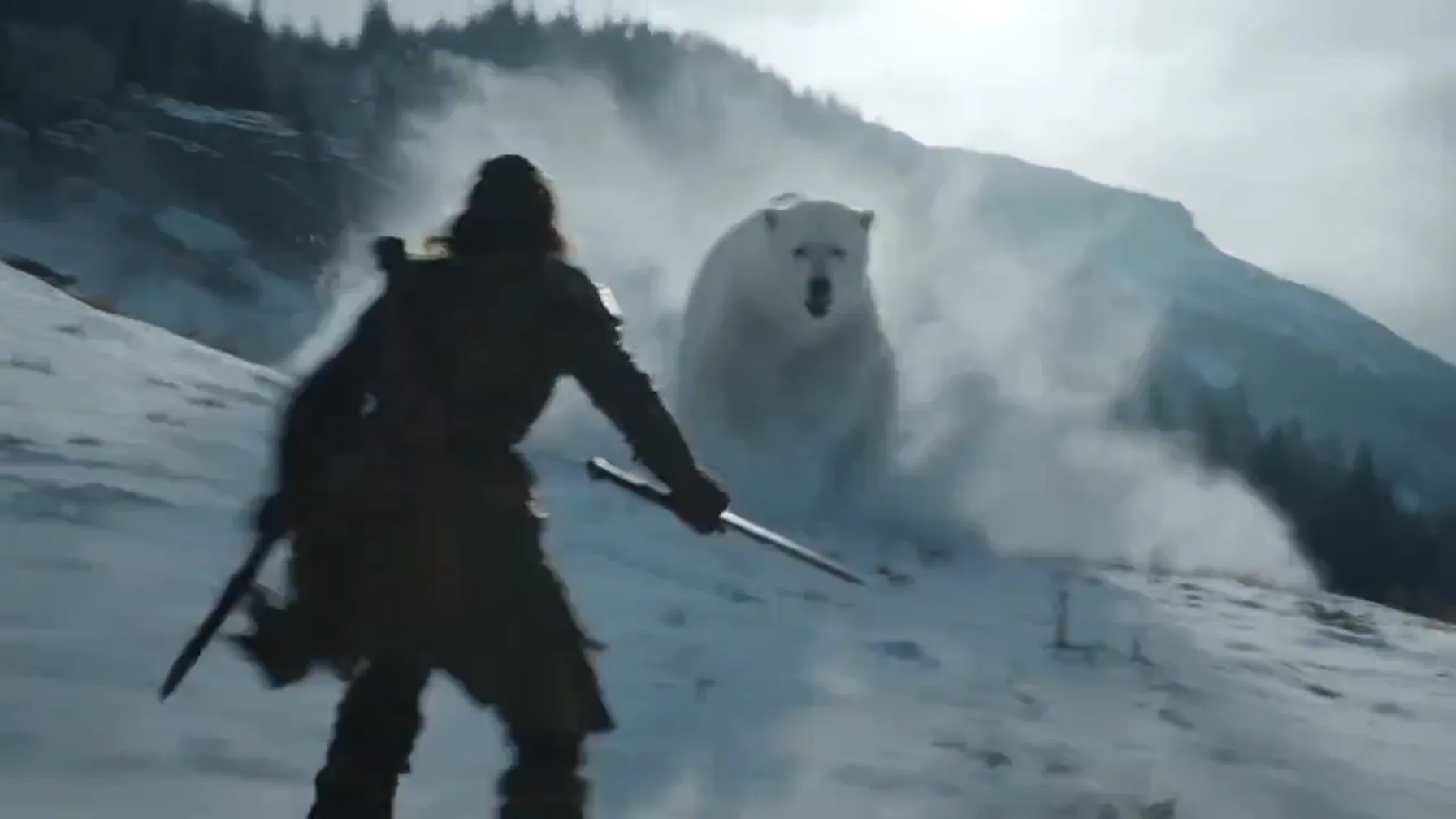
Kling Video Extender – Continue Motion Beyond the Original Clip
A Kling video extender continues the motion of an existing Kling-generated clip instead of regenerating the whole shot. When a character, vehicle, camera move, or product animation ends too soon, it generates the next phase of movement from the footage that already has the timing and direction you want.

Use a Kling Video Extender When Motion Is Already Working
Motion can be one of the hardest parts of an AI video to reproduce exactly.
You may generate several versions before getting a particular walk, turn, vehicle trajectory, camera pass, or performance that feels right.
Once you have that result, starting again can mean losing it.

A Kling video extender lets the accepted motion become the foundation for the next section.
This is useful for:
- Walking and running sequences
- Dance and performance clips
- Vehicle motion
- Sports-style actions
- Camera tracking
- Product rotations
- Creature animation
- Cinematic action shots
- Environmental movement
- Multi-stage character interactions
The objective is not only to make the Kling video longer. It is to preserve the energy already established in the original clip.
Read the Motion Before Writing the Next Prompt
Before using a Kling video extender, watch the final seconds several times.
Ignore the story for a moment and look only at motion.

Where Is the Subject Traveling?
Is the subject moving toward the camera, away from it, across the frame, upward, downward, or in a circular path?
What Is the Current Speed?
Is the movement accelerating, slowing down, or staying steady?
What Is the Camera Doing?
Is it tracking alongside the subject, orbiting, zooming, pushing forward, pulling back, panning, or remaining fixed?
What Action Has Already Started?
A character might already be reaching for something, turning their head, jumping, opening a door, or beginning to sit.
The next prompt should acknowledge that state.
This simple analysis makes Kling video extender prompts more connected to the physical logic of the original footage.
Use Subject + Movement as the Core Prompt
For motion-focused continuation, complicated descriptions are not always necessary.
A useful Kling video extender prompt can begin with two elements:
Subject + next movement

Base: subject + next movement“The skateboarder lands the jump and continues forward.”
Add camera direction“The skateboarder lands the jump and continues forward while the camera tracks beside him at the same speed.”
Add one continuity instruction“The skateboarder lands the jump and continues forward while the camera tracks beside him at the same speed, preserving the sunset lighting and concrete skatepark.”
The resulting prompt is easy to understand because every phrase contributes to movement or continuity.
Extend Walking and Running Sequences
Human locomotion is a natural use case for a Kling video extender.
Suppose a Kling clip shows a character walking through a crowded night market. The original video ends while the person is still moving.

Instead of asking for a new scene, continue the trajectory:
Walking example“The woman keeps walking through the market, passes a food stall on her right, and turns toward a narrow alley while the tracking camera remains behind her.”
The prompt describes where the person goes and how the camera follows.
For running scenes, it can also help to specify changes in pace:
Running example“The runner accelerates toward the stairs, climbs them quickly, and reaches the rooftop as the camera follows from a low angle.”
Clear physical progression gives the Kling video extender a sequence rather than a vague request.
Continue Dance and Performance Videos
Dance clips contain coordinated body movement, timing, and rhythm.
A Kling video extender can be used to continue a performance when the existing motion already looks good.
Instead of describing a whole new choreography, identify the next move.
Dance example“The dancer completes the spin, steps backward twice, raises both arms, and transitions into a slower movement while the camera remains centered.”
The prompt establishes a physical chain.
For performance footage, avoid adding several unrelated camera changes unless that is intentionally part of the style. A stable camera can sometimes make body continuity easier to evaluate.
Extend Vehicles Without Breaking Direction
Cars, motorcycles, trains, boats, aircraft, and other vehicles create strong directional cues.
If a vehicle is traveling forward at high speed, the continuation should respect that momentum.

A Kling video extender prompt could say:
Vehicle example“The motorcycle continues accelerating through the tunnel, passes beneath three overhead lights, and exits into the rain while the camera follows closely behind.”
This works because the continuation has a clear path.
Vehicle extensions can also introduce environmental changes gradually: entering a tunnel, rounding a curve, reaching a bridge, passing traffic, leaving a city, or moving from daylight toward sunset.
The important point is that the next event grows out of the current trajectory.
Keep Camera Motion on the Same Path
The camera itself may be the most important moving object in a Kling video.
A Kling video extender can help continue:
- Forward tracking shots
- Side tracking shots
- Slow push-ins
- Pullbacks
- Orbits
- Crane-like rises
- Low-angle follows
- Pans and aerial movement

If the original camera is orbiting clockwise around a product, asking for an immediate reverse orbit may feel abrupt.
Instead:
Camera example“The camera continues the clockwise orbit, gradually moving closer until the front logo fills more of the frame.”
That gives the Kling video extender both direction and destination.
Camera instructions are particularly useful for product videos, architecture, vehicles, fashion, and cinematic establishing shots.
Use Kling Video Extension for Product Motion
Product videos often contain controlled movement rather than narrative action.
A shoe may rotate above a platform. A bottle may slide into light. A watch may move from shadow into a close detail. A device may open or transform.

A Kling video extender can develop these motions into additional angles.
Rotation example“The headphones continue rotating slowly while the camera lowers toward product level and the reflective surface remains unchanged.”
Transform example“The smartphone finishes unfolding, the screen lights up, and the camera moves toward the display.”
These prompts focus on product geometry and movement rather than adding unnecessary story elements.
Create Longer Action Sequences in Stages
A complicated action sequence is often easier to build as several connected movements.
A Kling video extender can turn one successful action into the starting point for the next.
Imagine an adventure sequence:

Next movement
A character runs through a forest.
Next movement
The character reaches a fallen tree and jumps over it.
Next movement
They land and slide down a slope.
Next movement
The camera follows as they reach a river.
Each stage has a physical relationship with the previous one.
This is different from trying to generate a long prompt containing an entire chase, explosion, jump, dialogue scene, location change, and final reveal at once.
Incremental continuation gives each movement more attention.
Control Change to Reduce Visual Drift
Every new action creates opportunities for visual details to change.
A practical Kling video extender strategy is to decide what is allowed to change and what should remain stable.
Change
- The character walks from the street into a building.
- The vehicle rounds a corner and slows.
Keep
- Character clothing, hairstyle, time of day, camera perspective, and general visual treatment.
- Vehicle appearance, road conditions, lighting, camera position, and weather.
Prompts become clearer when they separate progression from continuity.
If the extension begins drifting, reduce the number of new variables.
Avoid Motion Contradictions
A continuation can feel unnatural even when individual frames look good.
This often happens because the new motion contradicts the original movement.
Consider a camera quickly tracking alongside a car. If the next segment suddenly becomes a perfectly stationary front view without a transition, the viewer experiences a visual break.
The same problem occurs when a person is turning left but suddenly appears facing right, or when an object changes speed without a physical reason.
Before using a Kling video extender, identify the current motion vector and decide whether you want to maintain it, slow it, redirect it, or stop it.
If the direction needs to change, describe the transition.
Direction change“The runner slows, looks back, then turns and runs toward the opposite side of the street” is clearer than simply requesting “the runner runs the other way.”
Use the Environment to Carry Motion Forward
The main subject does not always need to perform the new action.
A Kling video extender can continue movement through the environment.
- Wind can become stronger.
- Rain can intensify.
- Crowds can move around a stationary character.
- Lights can turn on throughout a building.
- Fog can reveal a structure.
- Water can rise or flow through the frame.
This is useful when the subject should remain stable while the scene develops.
Environmental motion can also create more cinematic pacing by allowing the viewer to observe the world before another major action begins.
Create Better Endings for Kling AI Videos
Sometimes a clip does not need a longer middle. It simply needs an ending.
A Kling video extender can create a final action that gives the shot closure.
- A person can stop at a destination.
- A vehicle can disappear into the distance.
- A product can settle into a final hero composition.
- A camera can pull back and reveal the complete environment.
- A performer can finish a movement and hold the final pose.
Thinking specifically about closure helps avoid extensions that keep adding action without giving the video a natural endpoint.
Evaluate a Kling Extension Frame by Frame
When reviewing a Kling video extender result, do more than ask whether it looks visually impressive.

Check:
- Does the subject remain recognizable?
- Does the body movement follow the previous pose?
- Does speed change naturally?
- Does the camera continue from the expected position?
- Do background objects remain spatially believable?
- Does lighting stay consistent?
- Does the new action have a clear endpoint?
These questions help identify whether a problem comes from appearance, motion, camera behavior, or scene structure.
You can then adjust the next continuation prompt more precisely.
Frequently Asked Questions
What is a Kling video extender?
A Kling video extender is a video continuation workflow used to develop additional footage from an existing Kling-generated clip.
How do I continue motion in a Kling video?
Identify the subject, current movement, direction, and camera behavior, then describe the next physical action in direct language.
Can I extend a Kling walking or running scene?
Yes. Walking and running clips can be continued by specifying where the character goes, how the movement develops, and how the camera follows.
Can I continue camera movement?
Yes. Camera direction can be included directly in the continuation prompt, such as continuing an orbit, tracking movement, push-in, pullback, or pan.
How can I reduce character drift when extending Kling footage?
Keep the next movement focused, avoid changing too many visual elements simultaneously, and preserve important identity and scene details in the prompt.
Can a Kling video extender help with product videos?
Yes. Product rotation, camera slides, close-up reveals, transformations, and other controlled movements can be developed into longer visual sequences.
Can I create several connected Kling extensions?
A motion sequence can be developed in multiple stages, with each new action beginning from the endpoint of the previous segment.
Is VideoExtenderAI affiliated with Kling AI?
No. VideoExtenderAI is an independent service and is not affiliated with, operated by, or endorsed by Kling AI or Kuaishou.
KEEP THE MOTION GOING
When a Kling clip already contains the movement you want, rebuilding the entire shot is not always the best next step.
Use a Kling video extender to continue the trajectory.
Let the runner reach the destination. Let the camera finish the orbit. Let the vehicle leave the tunnel. Let the dancer complete the movement. Let the product reach the final hero angle.
By treating motion as the foundation of the continuation, short Kling footage can develop into longer, more purposeful visual sequences.
The strongest next scene often begins with one simple question: where should the movement go from here?
Try Video Extender AI
Kling Video Extender for Social Video
Short-form content benefits from movement that immediately communicates an idea.
A Kling video extender can turn one dynamic generation into additional material for TikTok, Reels, Shorts, product promos, visual hooks, and branded edits.
Instead of duplicating a five-second action, creators can continue it into a second beat.
For example, a fashion clip might begin with a model turning toward the camera. The continuation could follow the model walking past the lens and transition attention toward the environment.
A product clip could begin with an object entering the frame and end with an extended detail reveal.
The extra duration now contains progression instead of repetition.